👈
🚨 One filename change. Zero errors. Production broken.
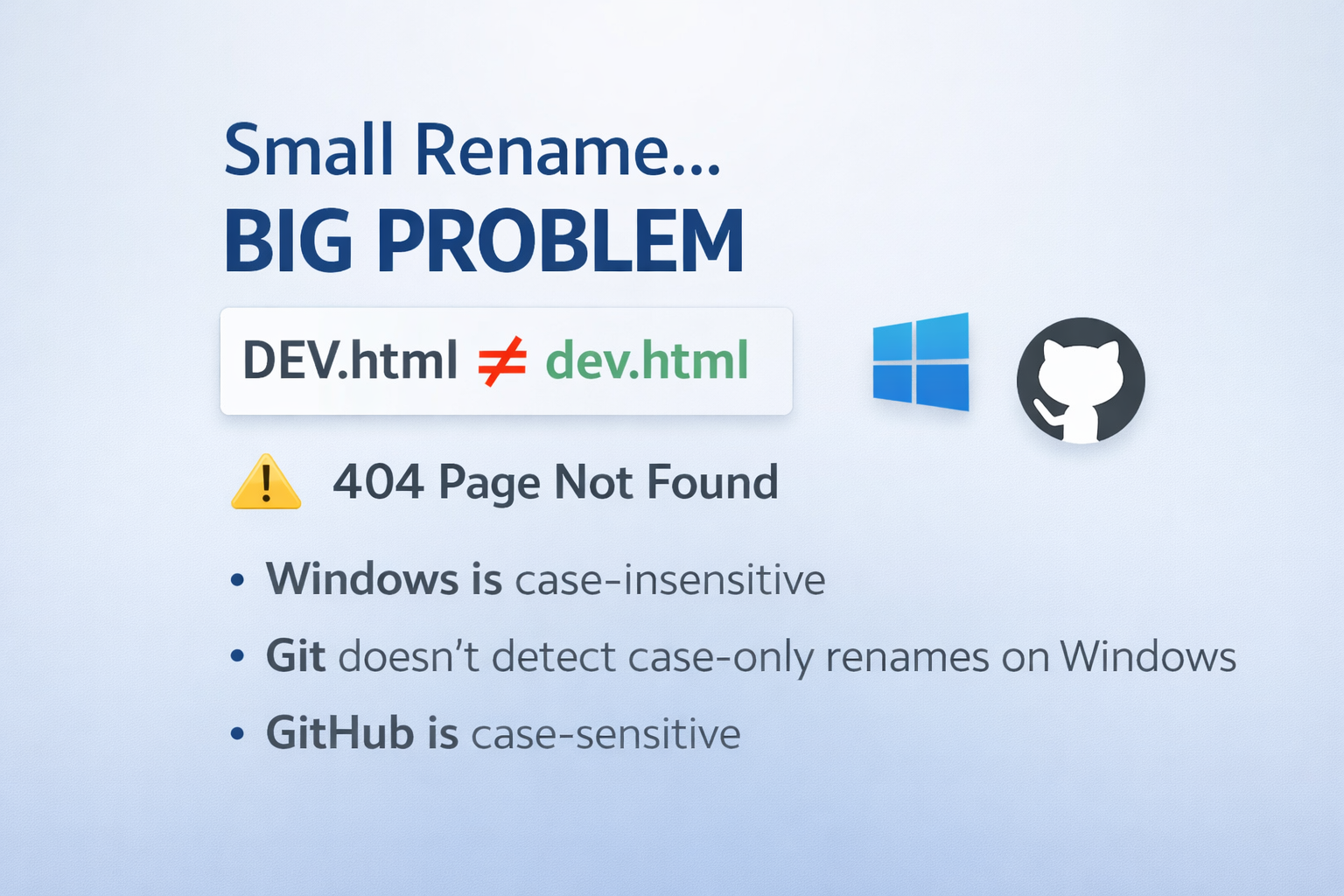
A small Git detail taught me a production-level lesson the hard way.
I recently ran into a subtle issue while working with Git on Windows. It looked harmless at first — until it showed up in production.
I had a file named DEV.html.
I pushed it to GitHub and everything worked as expected.
Later, I renamed it locally to dev.html (just a case change) and pushed again.
No errors. No warnings. Everything looked fine.
But in production, links like <a href="dev.html"> started returning 404 – Page Not Found.
After some digging, I realized GitHub still had the file named DEV.html.
🔍 What was happening? This isn’t a Git bug, but a cross-platform design limitation:
- Windows filesystems are case-insensitive
- Git on Windows doesn’t detect case-only renames
- GitHub runs on Linux, which is case-sensitive
So Git never recorded the rename, and GitHub never received it.
⚠️ Why this matters
In small projects, this is easy to miss. In larger projects, it can silently break navigation and cause production-only bugs — the classic “works on my machine” problem.
✅ What I learned
- Always use lowercase filenames
- Use
git mvwhen renaming files - Enforce naming rules with CI or pre-commit hooks
Sharing this in case it helps someone avoid a similar issue.